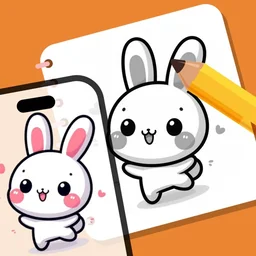










Trace any picture onto paper.

Point your iPhone at a blank sheet. The picture appears over it, so your pencil follows every line.

Try Premium free

3 days free, then $2.99/week. Renews automatically, cancel anytime.

New Dance Buddy: your face on a dancing stick buddy
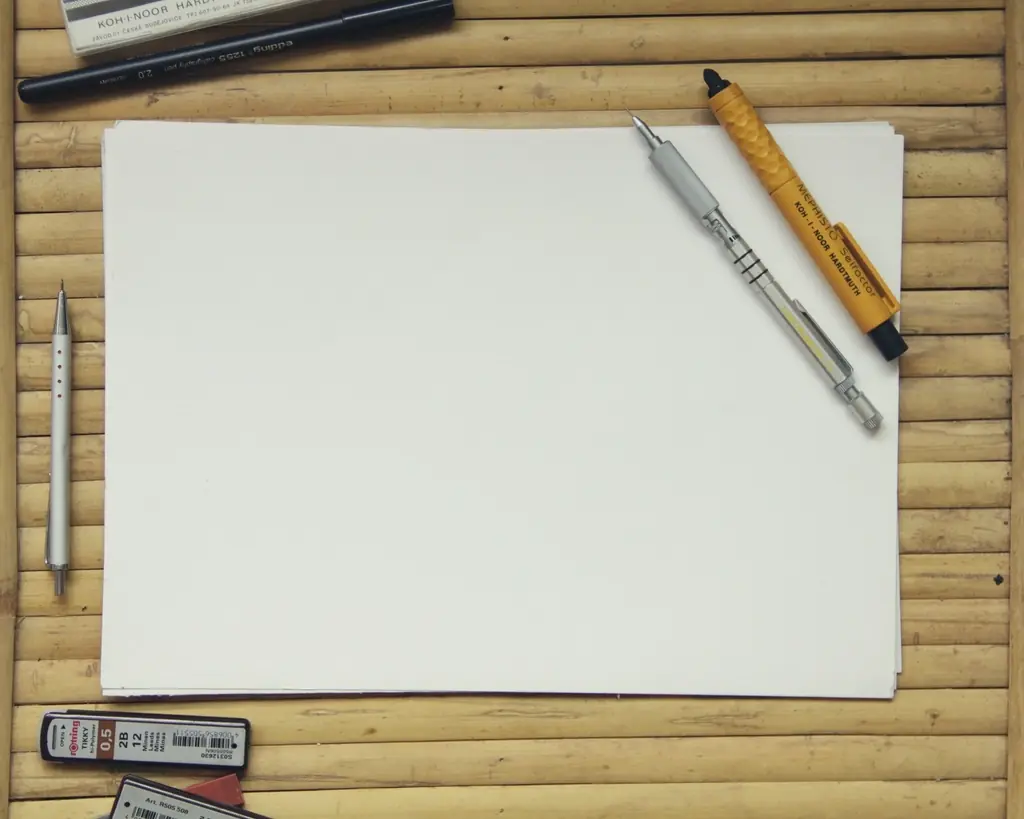
A blank sheet of paper on a bamboo desk mat, seen from above
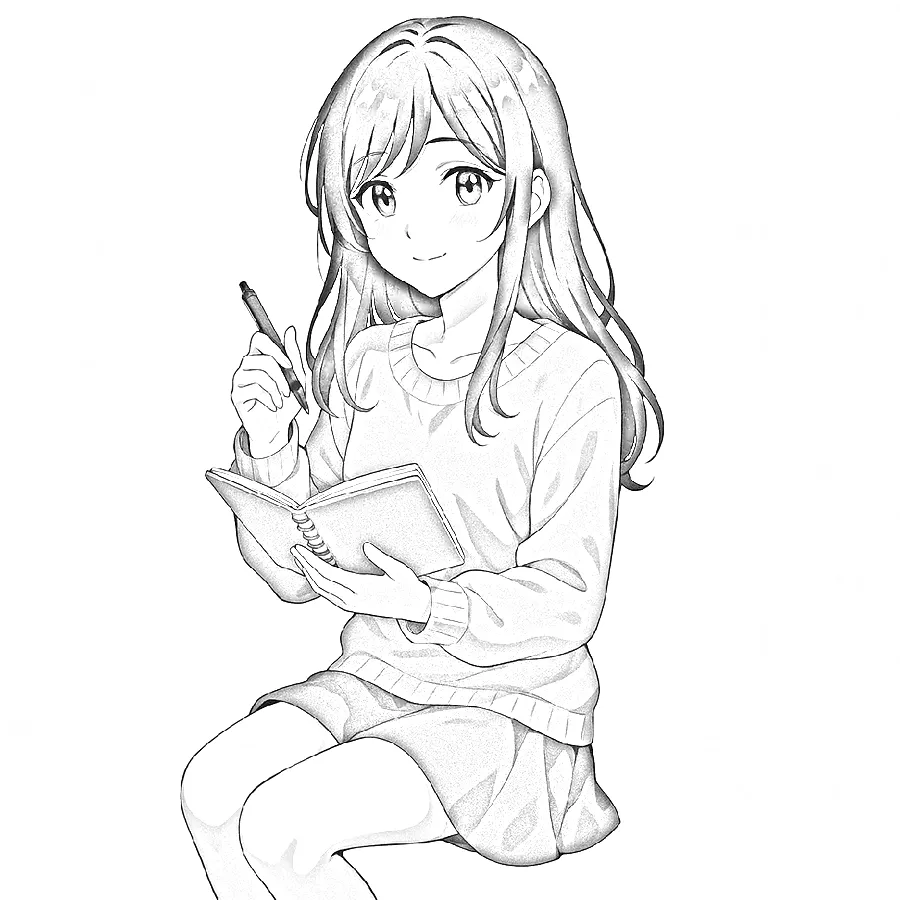
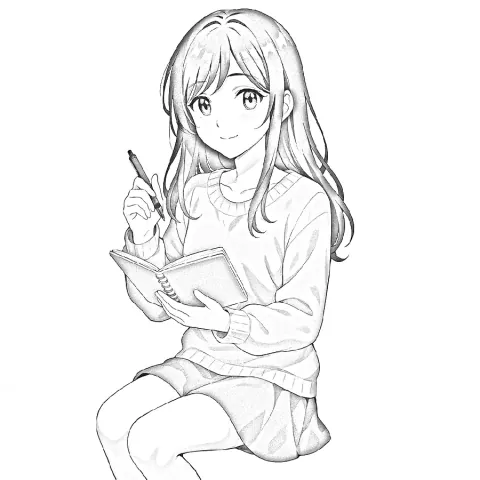
Anime girl with a sketchbook, laid over the paper
Anime

Pick tonight's picture

Every set lives on your phone, so it works offline. Tap one to see it on the paper.

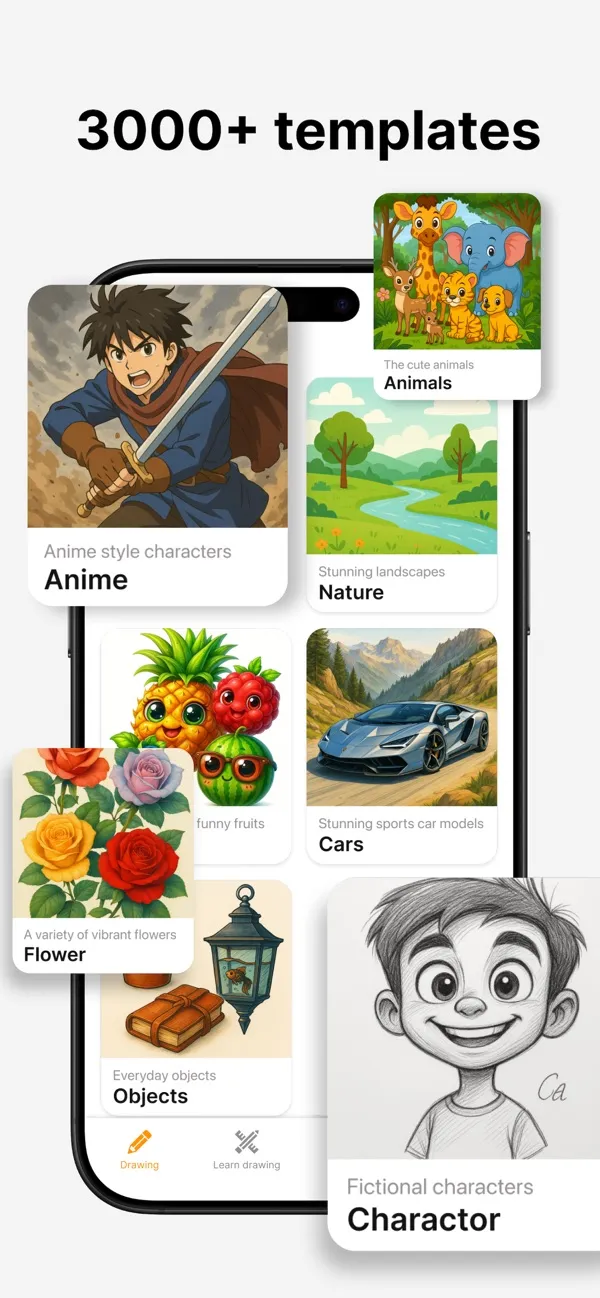
Plus nature, objects, characters and fruit: more than 3,000 templates across the app, with new sets every season.

How it works

First, pick a picture.

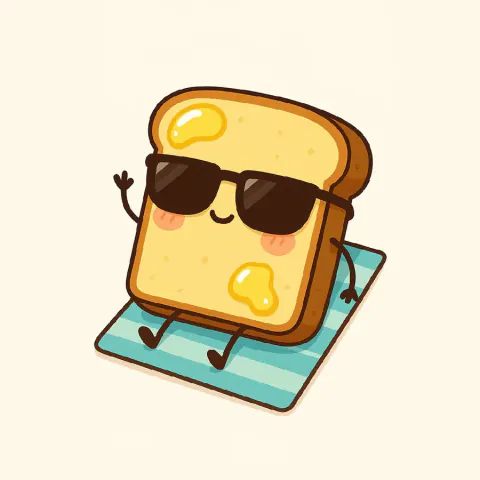
3,000+ templates: anime, tattoo, chibi, animals, flowers, cars and food. Heart the ones you love.

AR Draw template library: anime, animals, nature, cars, flowers and objects

Step by step.

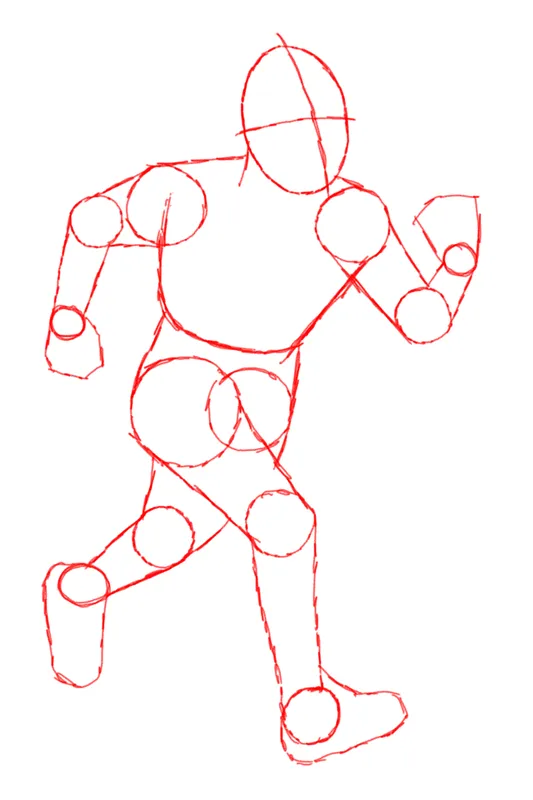
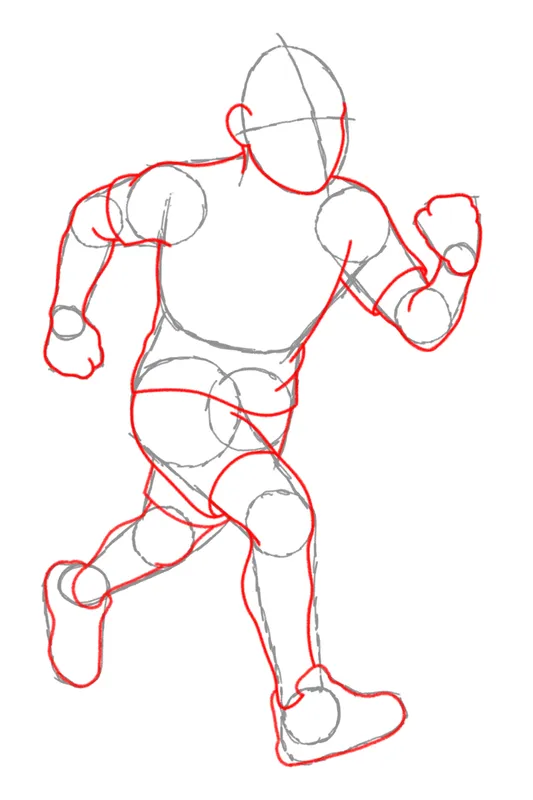
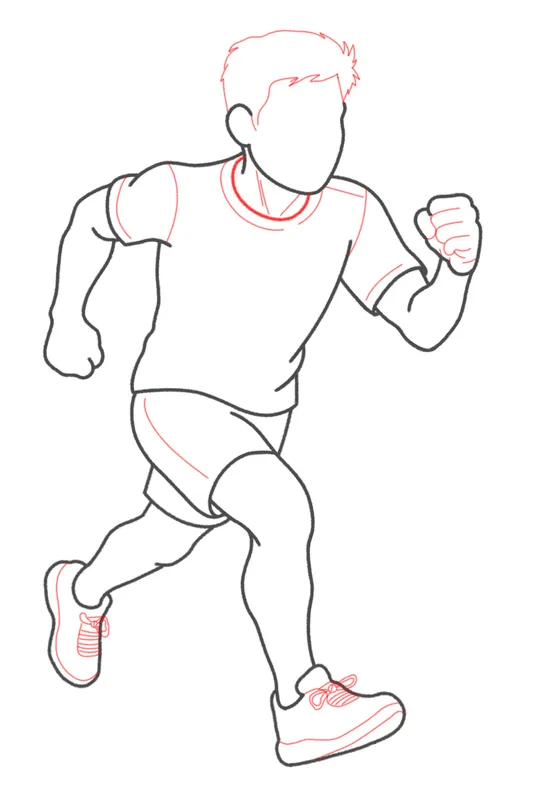
Beginner, medium and advanced lessons break each drawing into four to six passes.

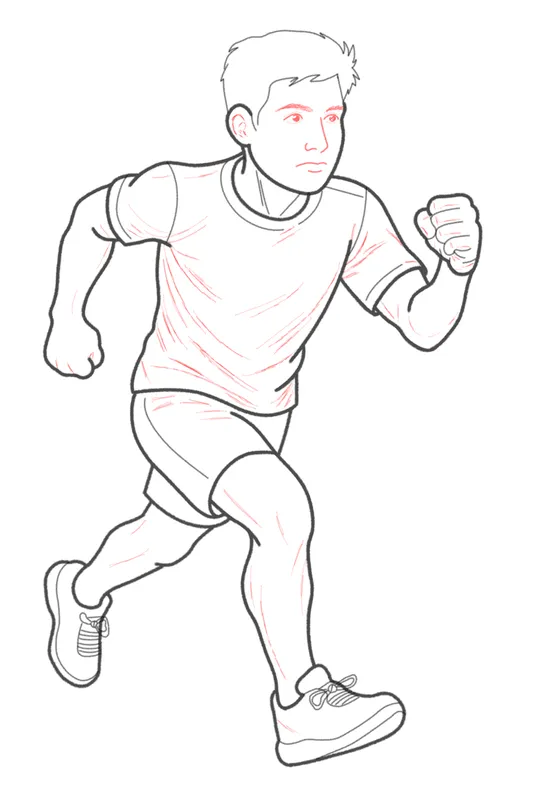
  1. Running figure, pass 1: rough shapes in red pencil
  2. Running figure, pass 2: block in the body
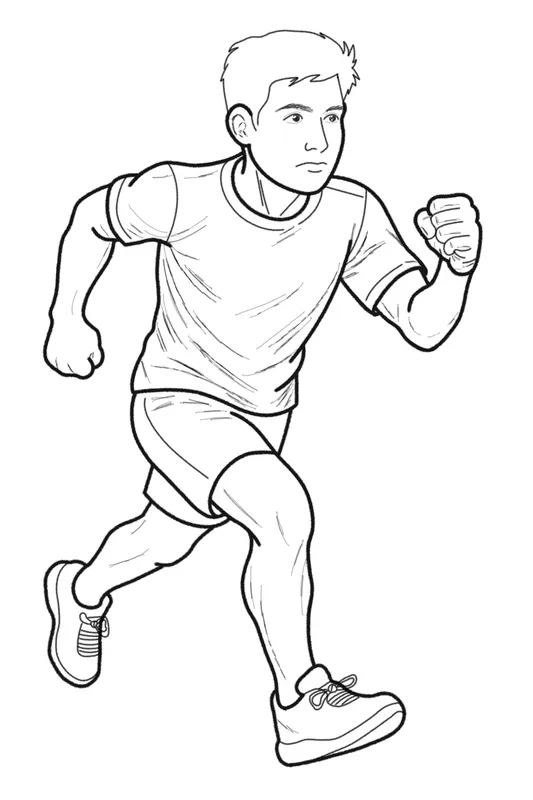
  3. Running figure, pass 3: clean outline
  4. Running figure, pass 4: face and clothes
  5. Running figure, pass 5: shade and finish

New In the kids corner

Dance Buddy.

Snap your face, then dance in front of the camera. A crayon stick buddy wearing your face copies every move.

  1. 1Add your face. Take a selfie or pick a photo. It becomes your buddy's head.
  2. 2Dance! Live with the camera, or turn a dance video you already have into a stick buddy video, music included.
  3. 3Keep it. A grown-up can save the video to Photos or send it to family.

Private by design. Everything runs on the iPhone, even offline. No face data is collected, uploaded or shared, and the face photo is forgotten when you leave.

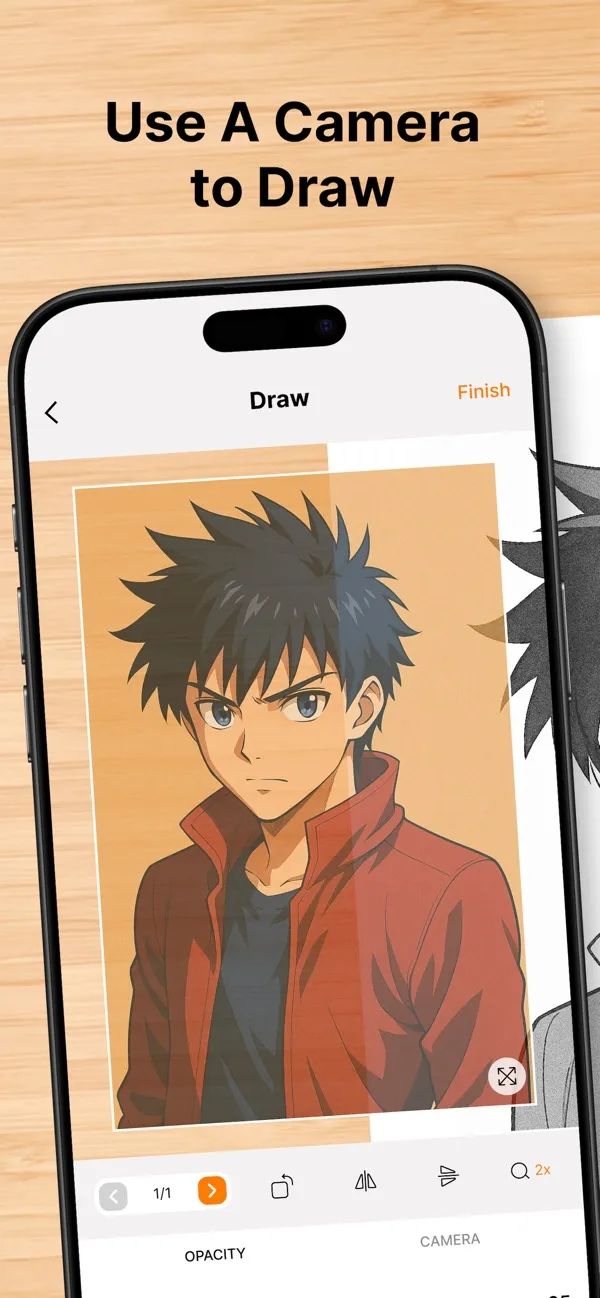
AR Draw drawing screen: the picture over the live camera view, with opacity and camera controls

Everything in the app

Website price: up to 40% less than in the app

Unlock every picture

Start free. Go Premium here for less than in the app and get all 3,000+ pictures, every lesson, your own photos and the whole kids corner.

Web-only offer

Try it free.
Draw anything tonight.

Every picture, every lesson and the whole kids corner, unlocked the moment you start.

Try it for free

3 days free, then $2.99/week. Renews automatically, cancel anytime.

Premium Weekly

$4.99 $2.99 / week

Save 40% vs. the app

Everything unlocked. Cancel anytime.

Get Premium
Best value · save 87% vs. weekly

Premium Yearly

$29.99 $19.99 / year

$10 less than in the app

Just $0.38 a week for a whole year of drawing.

Get Premium

Everything you get with Premium

Prices are in US dollars; checkout may show the price in your local currency. Local taxes may apply and are shown at checkout. Subscriptions renew automatically until cancelled. With the free trial, you are charged the weekly price when the trial ends unless you cancel before then. App prices compared are the US App Store prices in the AR Draw app ($4.99/week, $29.99/year). See our Refund Policy and Terms.

Questions

Is it really AR?

It uses your iPhone's camera. The picture floats over the live view of your paper, so you see both at once and follow the lines with your pencil.

What do I need?

Your phone, paper and a pencil. Raise the phone 20 to 30 cm above the sheet on a glass, a stack of books or a phone stand so your hand fits underneath.

Can I trace my own photos?

Yes. Upload from your photo library with Premium, or search for a picture on the web inside the app.

Is it free?

The download is free and includes a sample lesson, a coloring page and several templates. Premium unlocks everything: $2.99/week or $19.99/year on this website, $4.99/week or $29.99/year in the app.

How does the free trial work?

Start it on this website and Premium unlocks right away. You pay nothing during the trial. When it ends it becomes Premium Weekly at $2.99/week, unless you cancel first with the link in your Paddle receipt email.

Why is Premium cheaper on this website?

App Store purchases include Apple's fee. Buying here skips it, so we pass the saving on to you. It's the same Premium: after paying, you unlock it in the app with one tap.

How do I cancel?

Bought in the app: iPhone Settings > your name > Subscriptions, at least 24 hours before renewal. Bought on tooldraw.app: use the link in your Paddle receipt email, or write to support@tooldraw.app.

Can I get a refund?

Web purchases: full refund within 14 days, see our Refund Policy. App Store purchases: request it from Apple at reportaproblem.apple.com.

Can I keep what I draw?

Take a photo or record a video of your drawing as you go. Both are saved in My Draw.

Does it work on iPad and Android?

It runs on iPhone and iPad with iOS 15.6 or later. There's no Android version yet.

Is my child's face uploaded with Dance Buddy?

No. Dance Buddy runs entirely on the iPhone and works offline. No face data is collected, stored, uploaded or shared, and it is never used to recognize anyone. The face photo stays in memory only while the screen is open. Saving or sharing a video needs a grown-up.

Do I need the internet?

Only for web search. The templates and lessons are stored in the app.

Find a sheet of paper, open AR Draw, and trace your first picture tonight.

Try Premium free

3 days free, then $2.99/week. Renews automatically, cancel anytime.

For iPhone and iPad, iOS 15.6 or later.

Try Premium free